How to Track Moon Phases with a Free Astronomy App
The Moon is the only object in the night sky that changes shape on a schedule you can actually keep up with. It waxes, fills, and thins again over roughly four weeks, and every stage has its own best viewing moment. The only real problem is knowing when and where to look before you step outside, which is exactly the job a free astronomy app handles well. No telescope, no subscription, no technical skill required. One app, ten minutes of setup, and the habit of a quick check before sunset.
Pick a free app and learn three buttons
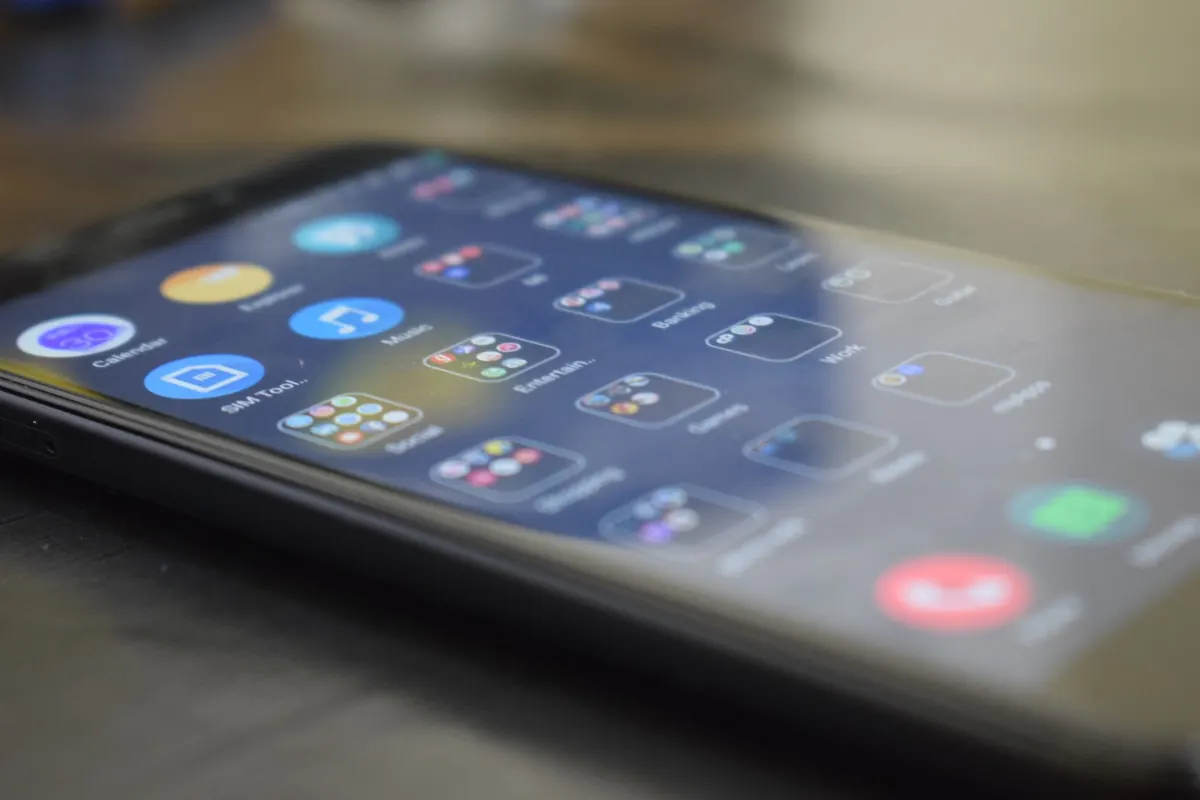
Most free planetarium apps share the same core features: a live sky map, a search field, a time control, and a notification menu. Stellarium Mobile, Sky Tonight, Star Walk 2, and SkyView Lite all offer a usable free tier. They look different, but they work the same way once you know what to look for.
Install one and locate these three things:
- Search — usually a magnifying glass. Type "Moon" and the sky swings around to it.
- Time controls — a clock or slider. Drag it forward to see tonight, or next Tuesday.
- Notifications or Alerts — tucked in settings, where phase reminders live.
Spend five minutes in those menus in daylight. Learning an interface while standing in the cold with dark-adapted eyes is a waste of a clear night.
Allow precise location access, or set your city by hand. Moonrise time, phase, and altitude all depend on it, and "approximate location" can be off by enough to matter.
Set phase alerts that actually reach you
A phase alert is a scheduled notification for the moment the Moon reaches new, first quarter, full, or last quarter. Open the Alerts section, switch on moon phases, and choose which ones you want.
Do not enable everything on day one. A full moon alert earns its place. New moon alerts help you plan dark-sky outings. Quarter alerts are quiet reminders that the terminator — the line between light and shadow — is at its most dramatic. If your phone buzzes five times a week, you will mute the app within a month and never turn it back on.
A few things worth knowing:
- The exact moment of a phase can fall at 3 a.m. If your app allows it, schedule the reminder for the nearest evening instead.
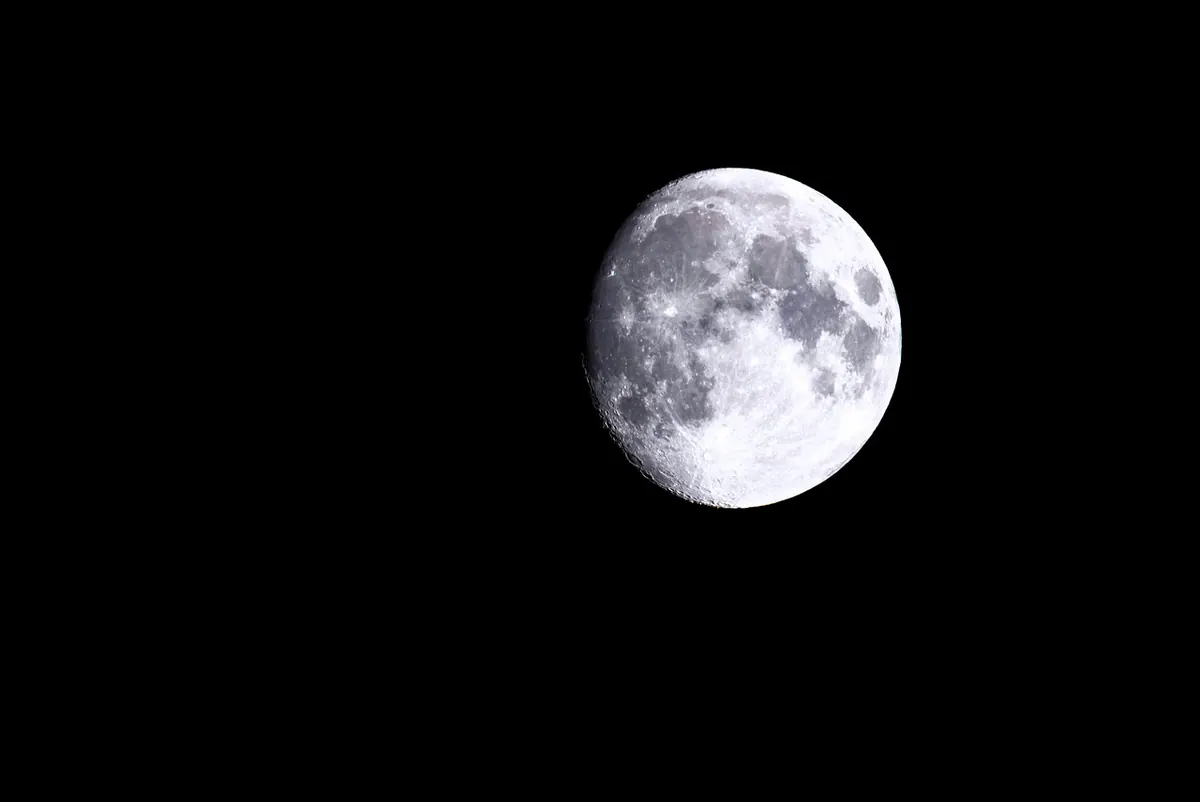
- Full moon rises around sunset and sets around sunrise, so it is the easiest phase to catch after dinner.
- A waning crescent is a morning object. The alert fires, but you will need to be up before dawn to use it.
- If notifications never arrive, check your phone's battery settings and allow the app to run in the background. This is a common culprit on both Android and iOS.
Check moonrise and moonset before you leave home
Phase tells you the shape. Moonrise and moonset tell you whether the Moon is even above the horizon. Tap the Moon and the info panel should list rise time, set time, current altitude, and the constellation it currently sits in.
Read altitude first. Zero degrees means it is sitting on the horizon. Forty degrees means it is comfortably high and easy to spot. Anything under about ten degrees is probably behind buildings or trees unless you have a genuinely clear western or eastern view.
Then check direction. The Moon rises in different places through the month — sometimes well north of east, sometimes well south — and a good app gives you a compass bearing. If it says 118°, face southeast and stop scanning the whole sky.
A quick sanity check
If the app insists the Moon is up and you cannot find it, work through this in order:
- Are you facing the direction the app gave you?
- Is it hidden behind a building, a tree line, or cloud?
- Is it still daylight? A daytime Moon is faint but often visible once you know where to look.
Use augmented reality to point yourself at the Moon
AR mode — sometimes labelled live view or camera view — overlays labels on your camera feed. Point the phone at the sky and the Moon gets a name tag. It is the fastest way to answer the question "which one is it?"
Start indoors, let the app get a location lock, then walk outside. Hold the phone near eye level and sweep slowly. Fast panning is what breaks tracking.
Two habits make AR far more reliable:
- Calibrate when prompted. Most apps ask you to tilt the phone in a figure-eight or aim at a known object. Do it properly. It takes ten seconds and prevents most drift.
- Rotate your body, not your wrist. Keep the phone steady and turn your whole torso to scan the sky.
If labels float away from the real sky, your phone's compass may be reacting to a magnetic case, a car, or a metal railing. Step away and recalibrate.
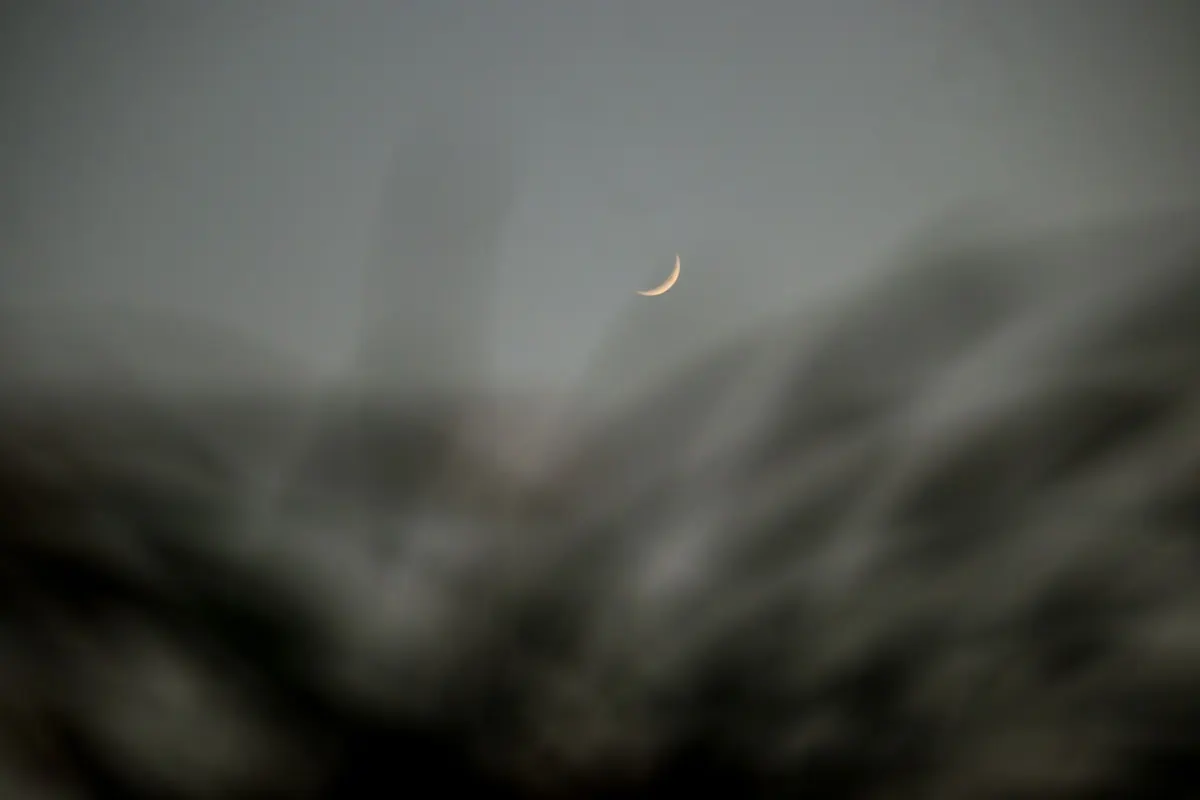
AR also solves the hardest observation of the month: finding a thin crescent a day or two after new moon. It sits low in bright twilight and disappears quickly, and the on-screen label saves you from scanning the wrong patch of sky.
Follow one full lunar cycle
Give yourself a single month of notes and the phases stop being abstract. A rough schedule to work from:
- Day 0 — New moon. Nothing to see, but notice how dark the sky is.
- Days 2 to 5 — Waxing crescent low in the west after sunset. This is the best window for earthshine, the faint glow on the unlit part of the disk.
- Day 7 — First quarter. The terminator runs nearly straight down the middle and crater shadows are at their sharpest.
- Days 10 to 14 — Waxing gibbous, then full. Bright and obvious, ideal for casual viewing with binoculars.
- Days 18 to 22 — Waning gibbous and last quarter. Rises late; better seen in the morning.
- Days 24 to 28 — Waning crescent in the east before dawn. Thin and easy to miss, which is what makes it satisfying.
The cycle averages about 29.5 days, so these days shift a little from one month to the next. Use them as a guide, not a timetable.
Keep a two-line log
You do not need a notebook full of sketches. Write the date, what you saw, and one detail. "Full moon, hazy, faint halo." "Crescent low in the west, no earthshine visible." After a few months, patterns show up: which direction gives you the cleanest horizon, which phases you actually enjoy, how often weather interferes.
A handheld phone photo is fine near full moon, though the Moon will look small. For thin crescents, skip the camera and use a screenshot from the app as your record instead.
Make it easy to keep up
Set one recurring reminder, not for a phase but for the habit itself: every Sunday evening, open the app, pick two nights that week, and go outside. Five minutes is enough. The Moon is bright enough to find from a city balcony, and the app handles all the arithmetic. Everything after that is just looking up.
How to Plan a Moonlit Landscape Photography Session
Plan a moonlit landscape shoot by choosing the right phase, timing the moonrise, dialing in exposure, and...
Sidereal vs Synodic Month: Why Lunar Calendars Drift
The Moon returns to the same stars every 27.32 days, but its phases take 29.53 days. That 2.2-day gap...